Autofocus USB 3.0 Cameras - Getting Started
Products
Play Video
You are struggling with unsharp images? This video demonstrates how to configure an Autofocus USB 3.0 camera in the IC Capture tool to perform autofocus either on the complete image area or on your preferred region of interest (ROI).
Related Videos
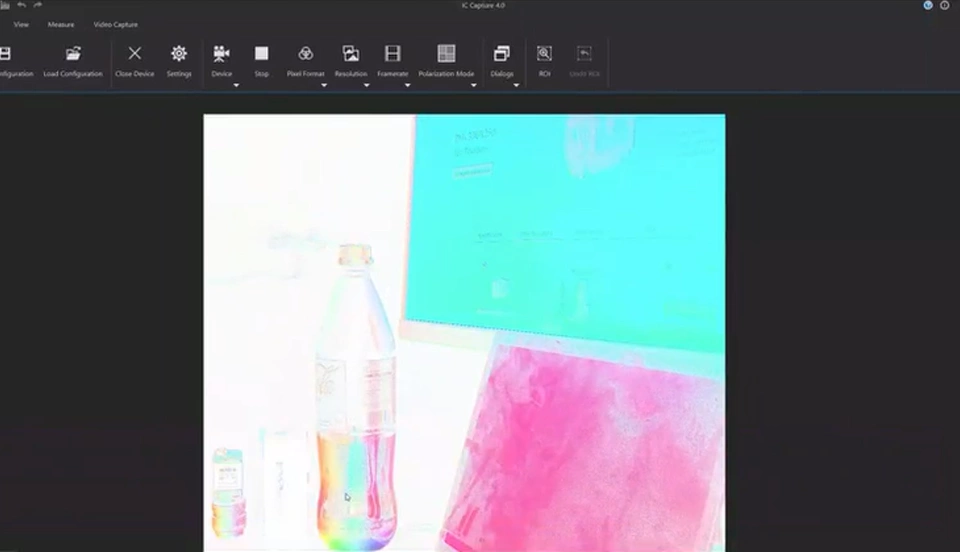
Polarsens Cameras See What Others Miss
December 17, 2025: A polarization camera doesn't just capture brightness or color - it measures the angle and degree of polarization of light.…
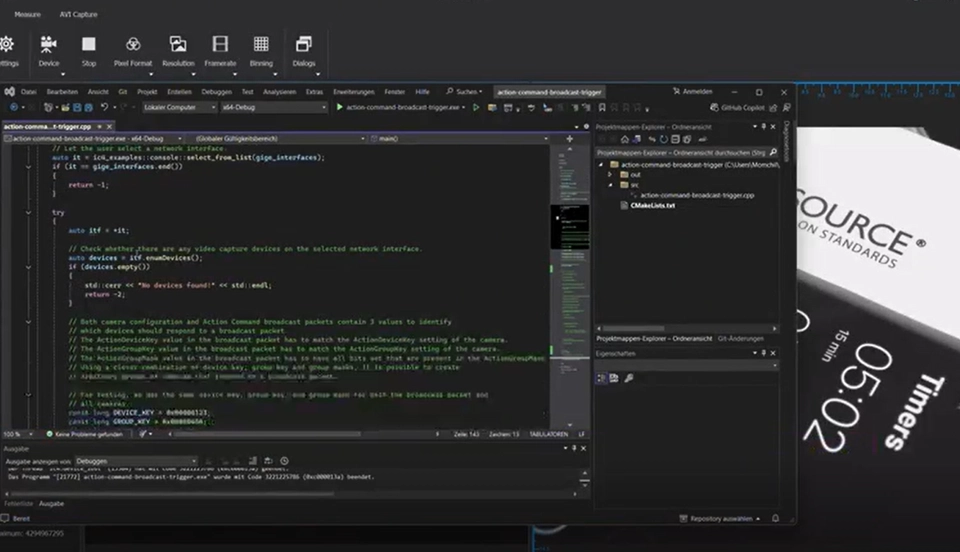
47G, 38G, 33G, Series - Getting Started with GigE Vision Action…
August 15, 2025: Precise synchronization and triggering of multiple GigE Vision cameras via software - learn how to do it with The Imaging…