
How do I install M12 Lens and IP67 Tube onto an IP67 Camera
The installation instructions in this article assume the use of an IP67 camera by the Imaging Source such as Visus GigE IP67, Acuva GMSL2 IP67 or 36C FPD-Link III IP67.
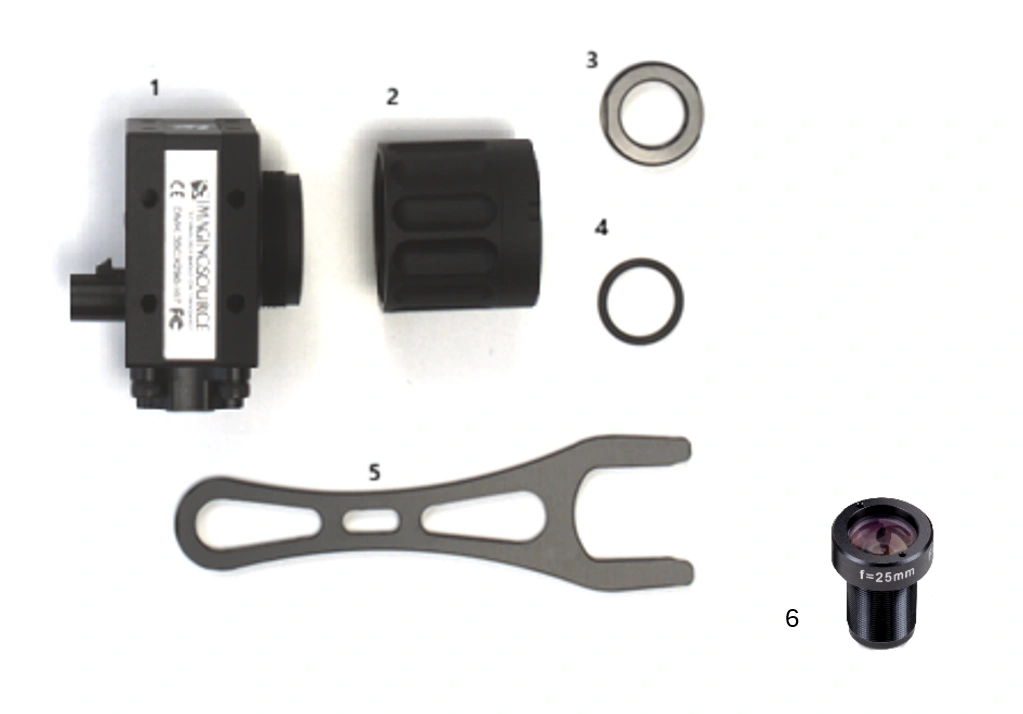
We assume the following components are available:
1- An IP67 camera by The Imaging Source
2- An IP67 tube (may need to be ordered separately)
3- Lock nut
4- O-ring
5- Wrench for lock nut
6- M12 S-Mount lens (to be ordered separately)
(1) Attach the lock nut and the O-ring onto the M12 thread of the M12 S-Mount lens:
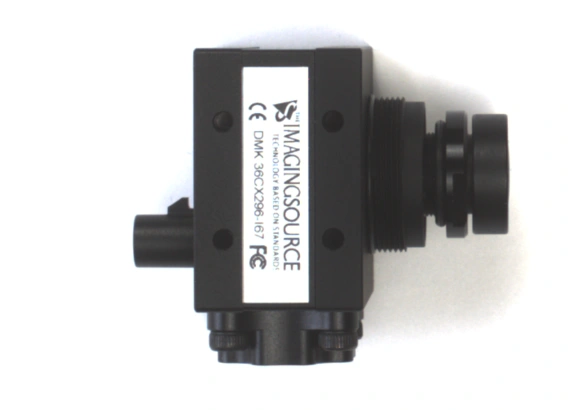
(2) Screw this combination into the M12 opening of the camera until the desired working distance is in focus.
(3) To keep the position permanent, screw the lock nut against the M12 base of the camera by using the wrench provided for this purpose.
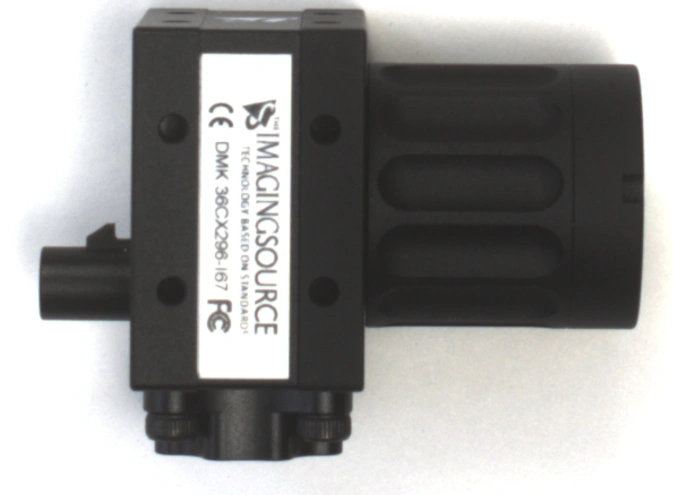
(4) Once the countered M12 S-Mount lens is in the correct position, screw the lens tube back onto the camera. To ensure correct IP67 sealing, the tube must be screwed tightly onto the camera housing until it stops.
That's it.